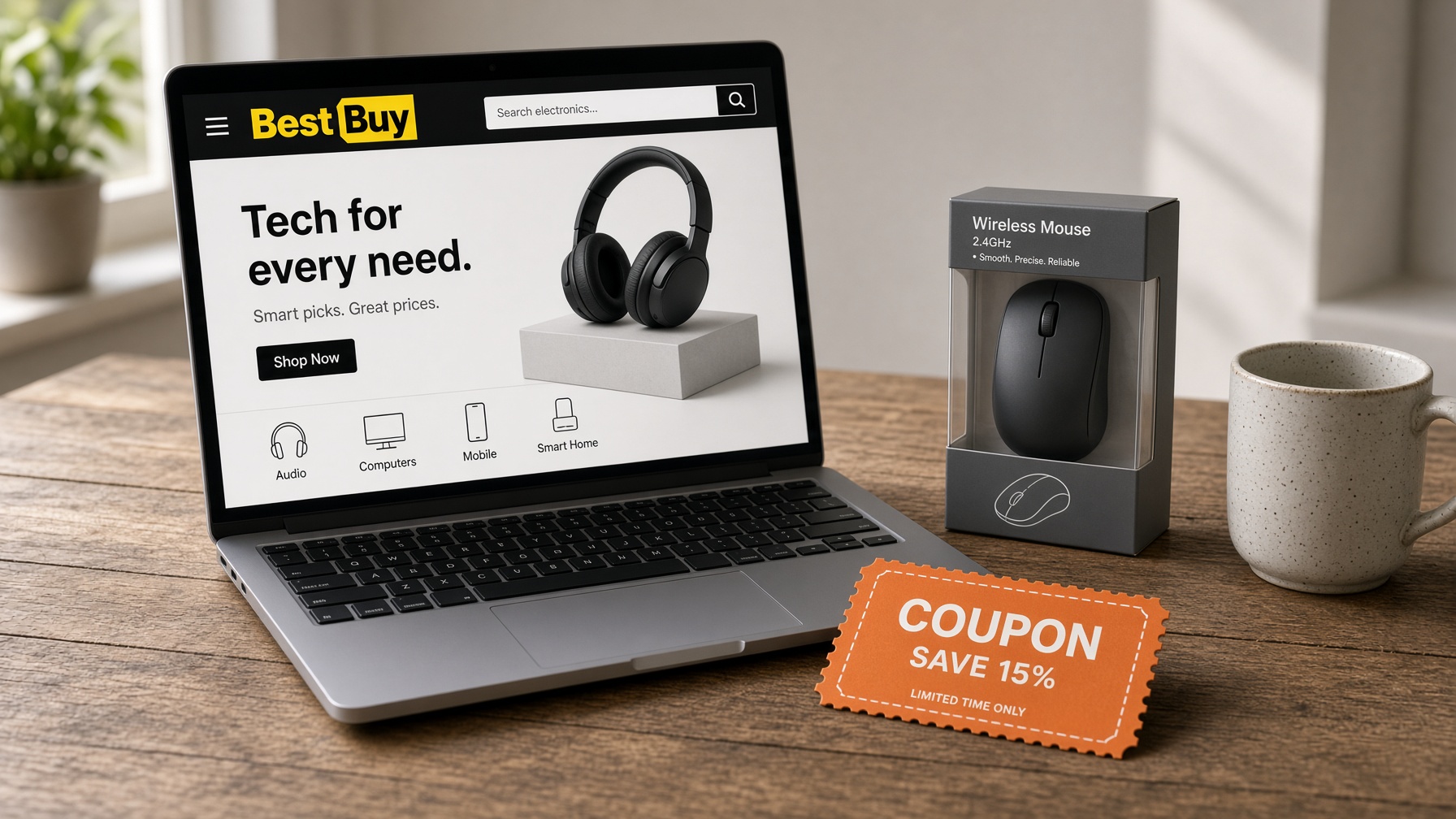
Bestbuy.com is easy to shop when you already know the thing, and still usable when you do not. Categories sit under a Products tab and narrow down from there. The search bar is there if you have a model in mind. Deals are on the homepage, not buried three clicks in.
It is laid out like the store
Televisions are in one place. Audio is grouped together. Phones and mobile plans live in their own section, with the current deals called out. That is useful when you are browsing for a gift and do not want to guess which aisle the site thinks a speaker belongs in. There are gift suggestions too, so you are not starting from a blank search.
Product pages do the job a person on the floor used to do. The description is long enough to tell you what you are buying, the photos are clear, and other shoppers have left reviews. You can read those before you decide. Rewards are explained on the site, and shipping is free once the order clears the minimum. Current codes are on the Best Buy coupon page.
The services are on the same site
Geek Squad is not a footnote. You can read what it covers and book it from the site, including help that happens online. Phone trade-in is spelled out so you know the steps before you start. Games can be bought on the site as well, so it is not only a place that ships a box.
The selection is the point
If you want a television, a laptop, a phone, a home stereo, or software, the inventory is wide and each item has a photo and a write-up. The deals are what make people stay. You can find the thing, then often pay less than the number you saw somewhere else. Support is there around the clock if the page did not answer the question.